
6 Essential Online Safety Tips for First-Time Travellers
Travelling for the first time is one of the most thrilling experiences ever. Even the idea of visiting new cities, cultures, and experiences is exciting.
However, as you explore the world, your digital safety shouldn’t be forgotten, since online threats are on the rise.
As a traveller, you’re often left with no option but to use public Wi-Fi networks, or end up in touristy places where you may be vulnerable to scammers. In order to minimise the risk, it’s important to establish baseline privacy measures to protect yourself online when you travel.

Why Online Safety is Important
We often forget the huge amount of information that’s in our devices. Think about all your private documents, bank information, family photos – the list goes on. Your online security should be taken just as seriously as locking your luggage or keeping your passport safe.
Some common online threats
- Public Wi-Fi: Hackers often exploit unsecured or fake Wi-Fi hotspots at airports, cafes, and hotels to steal your personal data. According to a Forbes Advisor study, 41% of travellers claim their online security was compromised while using public Wi-Fi.
- Lost or stolen devices: It might be the most obvious risk, but losing a phone or laptop with unprotected access can expose you.
- Malware infections: Downloading files from untrusted sources or clicking on suspicious links can infect your device with harmful software.

6 Basic and Easy Safety Tips
You don’t need to be a security expert to ensure that you’re protected. Just a little planning time and willingness to do some research will be enough.
Here are some easy ways to protect your safety online:
1. Two-Factor Authentication (2FA)
2FA is a system that usually requires a temporary code in addition to your password to let you log in.
To put it in simple terms: even if someone has your passwords, accessing your accounts will be much harder. Many websites and apps already have 2FA enabled (especially for things like banking), but it’s worth activating 2FA on your email, social media, and cloud storage as well, just to be on the safe side.

2. VPN
A Virtual Private Network (VPN) is an essential part of your travel toolkit because it can encrypt your internet traffic, making it harder for hackers to snoop on your data when using risky connections like public Wi-Fi.
For travellers with a laptop, it’s worth comparing providers before you leave. A quick search for ‘what is a good VPN for Mac‘ (or whatever your laptop happens to be) can help you find an option that’s secure and privacy-friendly.

3. Keep all your software up to date
A common point of attack for cybercriminals is unpatched software. This often gets overlooked (I’m very guilty of this one) but it’s one of the easiest ways to protect yourself.
It’s wise to enable automatic updates and manually – check your operating system and apps before leaving for a trip to make sure you don’t leave blind spots in your devices. Lastly, don’t forget to restart your devices, as some security fixes don’t apply until after a reboot.
4. Think about what you share online
Social media is a great way to share your adventures (it’s literally my job), but when possible, you should avoid posting real-time details about your location, as well as disabling location tags and removing metadata.
Oversharing can make you a target for all types of criminals, but this is especially important for solo female travellers. I always post updates after I’ve moved on to the next city, and I never share my hotel details until after I’ve checked out. I also never tag bars and restaurants while I’m there, waiting until I’m back at my accommodation to post instead.
Another option is to use privacy settings to control who sees your posts (like uploading Instagram stories so that only your ‘close friends’ can see).

5. Protect your physical devices
Use device passcodes, fingerprint authentication, or facial recognition to lock all your devices. These features, in addition to device tracking options, can help prevent the worst-case scenarios and provide a way to erase all of your phone’s contents remotely.
Additionally, consider using a privacy screen for your laptop or phone if you’re in crowded places, so as not to reveal important info in public.
6. Back up your data
Travel comes with unexpected mishaps, and losing a device or experiencing a crash can be devastating, especially if you’ve taken lots of photos or videos as you travel.
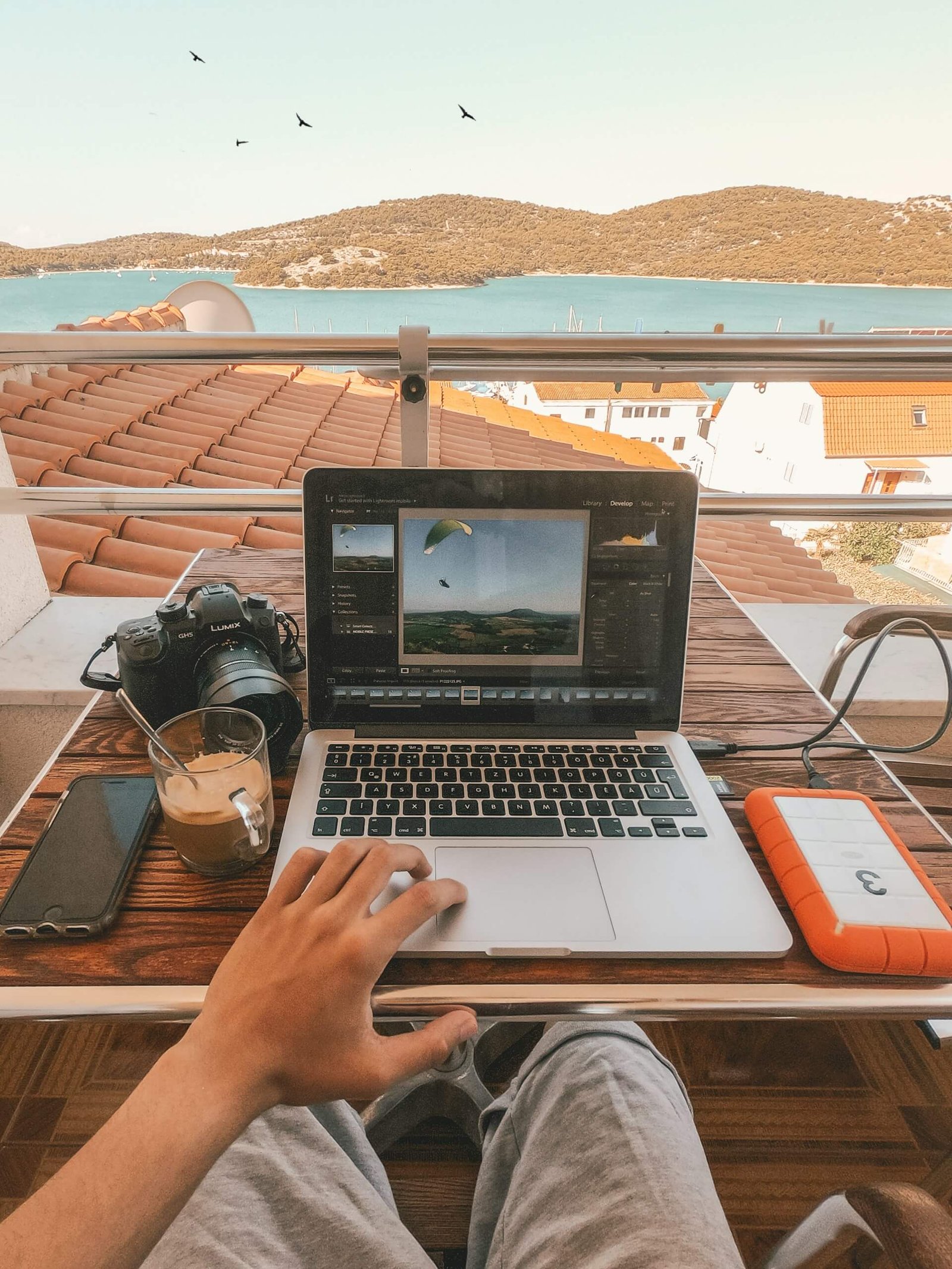
Make sure to regularly back up your important files, photos, and documents to a secure cloud service or an encrypted external drive. Make sure to run a test to check if the file restore works and to get familiar with the process.
Final Thoughts
Your first trip is supposed to be a positive and unforgettable experience. If you want to minimise potential stress and get swept away in the awe of a new location, it’s essential to take the proper precautions.
Dedicate a bit of time before you travel to comprehensively secure your sensitive data, ensuring a trip that’s focused on new tastes and sights, instead of emergencies that could have been avoided.
Further reading:
How Smart Travellers Protect Their Health Abroad Without Sacrificing Freedom
How eSIM Became Every Traveller’s Lifeline
Is This the Best eSIM for Travelling? An Honest Sim Local Review
10 Common Mistakes that Could Ruin Your Trip (and How to Avoid Them!)
Solo Travel Dos and Don’ts – What You Need to Know
If you like this article and would like to support my work, please click the button above to donate a couple of bucks and buy me a coffee. The revenue that I receive on this website is minimal, so support from my readers enables me to keep creating content that you (hopefully!) love to read.
Disclaimer: Travelling Jezebel contains affiliate links. If you make a purchase on a recommended site, I may make a small commission at no extra cost to you.
